Starfreight Titan
Screenshots
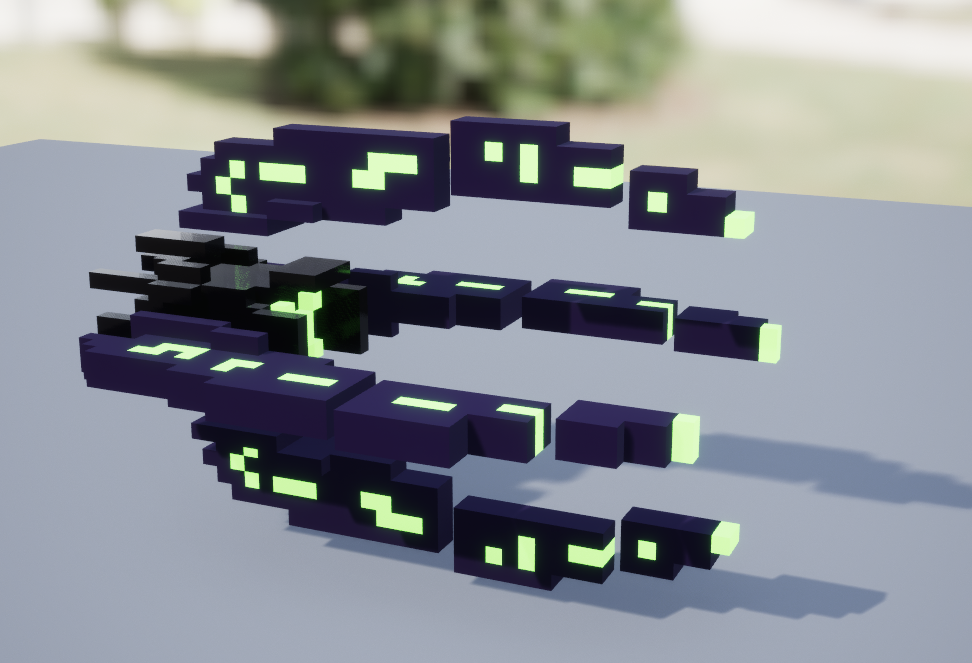
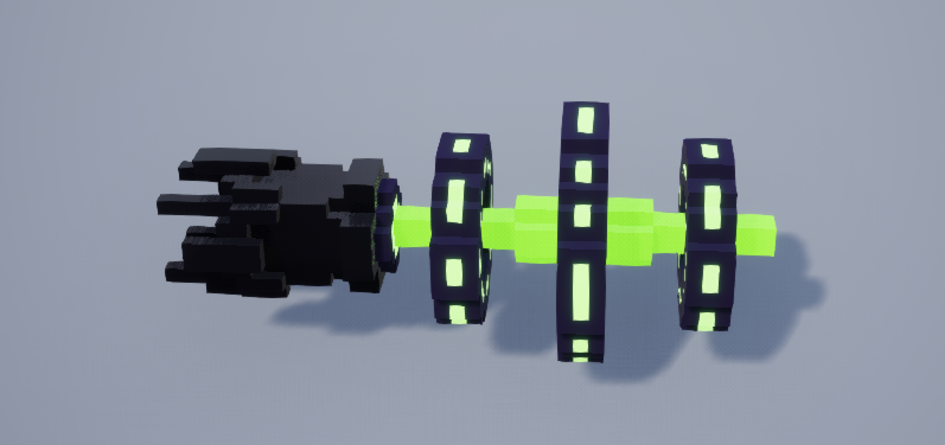
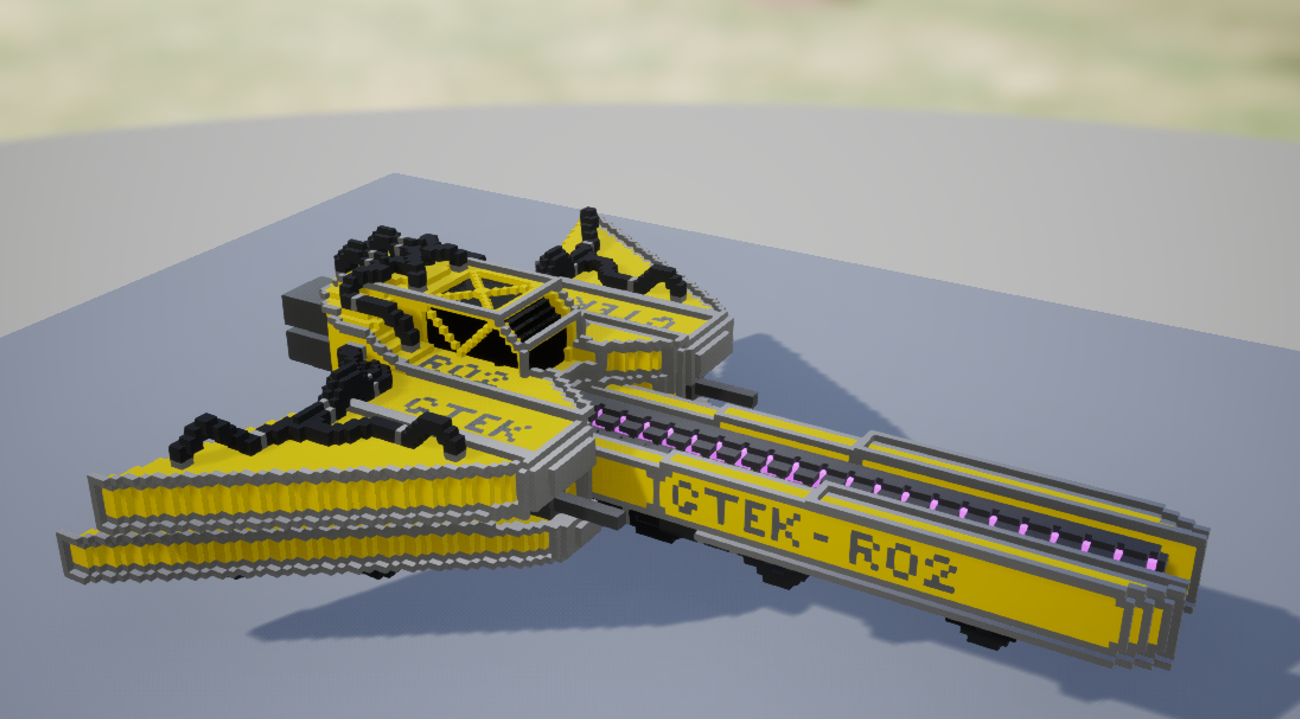
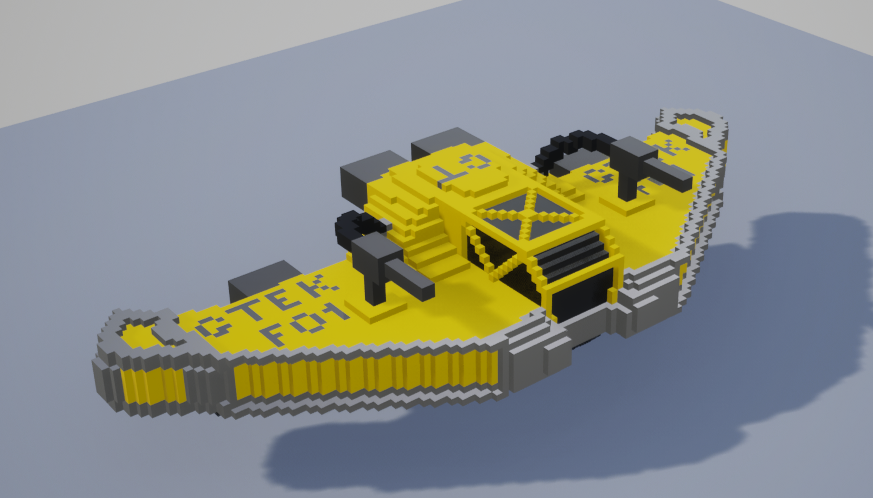
The Idea
This cooperative network space shooter involves players defending a mining ship as it flies around. They must defend it from incoming waves of enemies. The biggest challenge here was definitely the networking aspect, as everything had to be tested and fixed twice, and even then, some bugs were extremely difficult to fix and identify. Nevertheless, it was a great experience working with networking code, and I now understand more than ever why people say 'networked multiplayer doubles the work' :D.
The Code-
Networking Code
On this project, I mainly worked on the networking side of things. As we had ships flying through space and had created our own physics-based movement component to control them, we couldn't use the built-in Unreal replication system because this caused the players to desync relatively quickly. Instead, we used the Network Prediction Plugin. This plugin provides a fixed network tick that applies changes to a simulation, working with input and output states.
To get the Network Prediction Plugin working, you need a ModelDefinition to tell the plugin which simulation, state types and driver you have. The model definition is just a class that looks like this:
class FUniquePlayerNetworkModelDef : public FNetworkPredictionModelDef
{
public:
	NP_MODEL_BODY();

	using Simulation = FPlayerMovementSimulation;
	using StateTypes = MovementStateTypes;
	using Driver = UPlayerNetPrediction;
	static constexpr float GetSimTickRate() { return 60.0f; } // 60Hz
	static const TCHAR* GetName() { return TEXT("PlayerMovementPrediction"); }
	static constexpr int32 GetSortPriority() { return 51; }
	static constexpr ENetworkPredictionTickingPolicy GetTickingPolicy() { return ENetworkPredictionTickingPolicy::Fixed; }
};
The simulation handles how states are applied and finalised. The state types tell the model what the sync/aux states and input commands look like. The SyncState evolves over time through SimulationTick. The AuxState is an additional state that we use to control the player's stats, such as maximum speed and maximum health. The input command is the player input used in the simulation tick to drive the sync state forward. Finally, the driver is used for initialising the simulation, producing input and finalising a frame.
This for example is the Simulation tick for Starfreight Titan
void FPlayerMovementSimulation::SimulationTick(const FNetSimTimeStep& TimeStep,
                                               const TNetSimInput<MovementStateTypes>& Input,
                                               const TNetSimOutput<MovementStateTypes>& Output)
{
	float delta =  (float)TimeStep.StepMS * 0.001f;

	FVector NewPosition = Input.Sync->Location;
	FVector NewVelocity =Input.Sync->Velocity;
	Thrust = Input.Cmd->MovementInput;

	NewVelocity += delta / 2 * ApplyForces(NewVelocity, Input.Aux->MaxSpeed,Input.Aux->Mass);
	NewPosition += delta* NewVelocity;
	NewVelocity += delta / 2 * ApplyForces(NewVelocity,Input.Aux->MaxSpeed,Input.Aux->Mass);


	Output.Sync->Velocity = NewVelocity;
	Output.Sync->Location = NewPosition;
	FQuat CurrentRotationQuat = Input.Sync->Rotation.Quaternion();
	FQuat RotationInputQuat = Input.Cmd->RotationInput.Quaternion();

	FQuat NewQuat = CurrentRotationQuat * RotationInputQuat;

	Output.Sync->Rotation = FRotator(NewQuat);
	Thrust = FVector::ZeroVector;
}
The SimulationTick is fed with an input state that the simulation then mutates according to our movement calculations. Once the movement has been calculated it is then passed to the output state which is applied through a function called FinalizeFrame
void UPlayerNetPrediction::FinalizeFrame(const FPlayerMovementSyncState* Sync, const FPlayerMovementAuxState* Aux)
{
	Owner->SetActorLocation(Sync->Location);
	Owner->SetActorRotation(Sync->Rotation);
	Velocity = Sync->Velocity;
}